- Home
- /Linux Essential Training Course In Delhi

The latest batch, starting from:05/10/2026
The latest batch, starting from:05/10/2026
Learn the Best Linux Essentials Course in Delhi which comprises an introduction to Linux as an operating system and all the fundamentals associated with it. A Linux learning aspirant will surely come across all the basics of the Linux Essentials Commands line as this dedicated Linux Essentials Course is offered by state-of-the-art premier institutes of Craw Cyber Security at Saket and Laxmi Nagar locations in Delhi NCR. Moreover, the Linux Essentials Course offers a market-researched knowledge transfer curriculum duly constructed by experienced industrial professionals with a keen sense of developing more individuals for a quality workforce in the market.
📋 Course Details

FutureSkills Prime Partner (MeitY NASSCOM Initiative)
✅ NASSCOM Accredited
What will you learn in the Best Linux Essentials Course in Delhi?
If you are interested in taking the Best Linux Training in Delhi from a highly experienced teaching faculty and a mentors group for enhancing your knowledge quotient with a genuine approach then you should enroll in the premium Linux Essentials Certifications Course duly offered by Craw Cyber Security Institute at their Saket and Laxmi Nagar facilities.
If you are interested in taking the Best Linux Training in Delhi from a highly experienced teaching faculty and a mentors group for enhancing your knowledge quotient with a genuine approach then you should enroll in the premium Linux Essentials Certifications Course duly offered by Craw Cyber Security Institute at their Saket and Laxmi Nagar facilities.
In addition, these sincere Linux Certification Courses can give you a promising career in the prominent genre of Linux Essentials where you will not only learn the Linux Essentials Commands but will thrive and become a master in this background.
Linux Essentials Certifications Course
In today's era, most IT organizations have made it mandatory for their recruiting professionals to hire only expert personnel who possess a decent Linux Essentials Course with hands-on Training and Certification under the supervision of a trained working professional in Linux OS.
Hence, it is a mandatory requirement for hiring professionals to seek proper candidates having a valid certification in Linux Essentials Course obtained after a thorough training followed by an examination.
In this context, it would not be uncertain to say that one may open many doors to a lavish lifestyle or ensure a good position in an organization after going through this Linux Essentials Course by many proactive training instructors at Craw Security, the Best Linux Training Institute in India. To know more, call +91-9513805401 now.
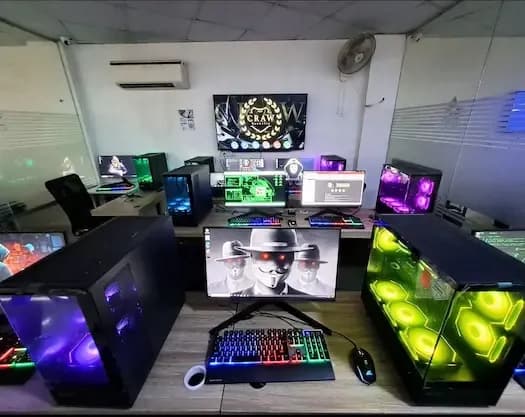
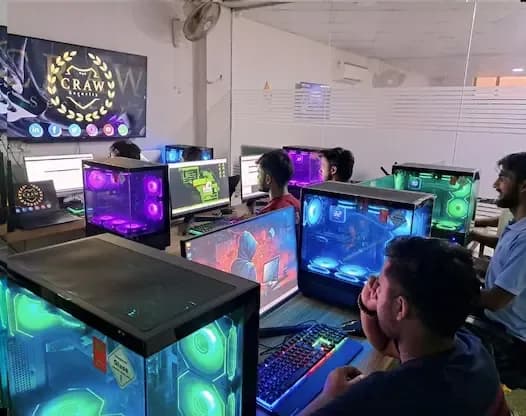



Key specifications
An aspiring candidate to learn networking basics can sincerely join the Craw Security campus for the out-of-the-box following USPs:
- Understanding of the open-source software, license-related matters, and Linux’s spot in the open-source world.
- Selecting preferred hardware to suit OSs
- Organizing file approvals and possession.
- Linux Networking
- Detecting fundamental security principles and organizing user types.
- Use of the command line to do various activities such as listing, creating, moving, deleting, and archiving files as per the needs.
Module 01: How to configure VMware?
- Introduction
Module 02: How to Download RHEL 9.3 for Free?
- Introduction
Module 03: Get Started with Red Hat Enterprise Linux
- Introduction
- Who Is Red Hat?
Module 04: Access the Command Line
- Introduction
- Introduction to the GNOME Desktop Environment
- Execute Commands with the Bash Shell
Module 05: Manage Files from the Command Line
- Introduction
- Absolute Paths and Relative Paths
- Navigate Paths in the File System
- Command-line File Management
- Manage Links Between Files
Module 06: Get Help in Red Hat Enterprise Linux
- Introduction
Module 07: Create, View, and Edit Text Files
- Introduction
- Redirect Output to a File
- Construct Pipelines
- Edit Files with Vim
- Shell Variable Usage
Module 08: Manage Local Users and Groups
- Introduction
- What Is a Group?
- The Superuser
- Create Users from the Command Line
- Create Groups from the Command Line
- Shadow Passwords and Password Policy
Module 09: Control Access to Files
- Introduction
- Change File and Directory Permissions
- Change File and Directory User or Group Ownership
- Special Permissions
Module 10: Monitor and Manage Linux Processes
- Introduction
- Importance of Process States
- Describe Jobs and Sessions
- Kill Processes
- Load Average Calculation
Module 11: Control Services and Daemons
- Introduction
- View Service States
- Start and Stop Services
- Mask and Unmask Services
Module 12: Configure and Secure SSH
- Introduction
- Identifying Remote Users
- SSH Known Hosts Key Management
- Configure the OpenSSH Server
Module 13: Analyze and Store Logs
- Introduction
- Log Events to the System
- Sample Rules of the rsyslog Service
- Analyze a Syslog Entry
- Monitor Log Events
- Find Events on the System Journal
- System Journal Storage
- Administer Local Clocks and Time Zones
Module 14: Manage Networking
- Introduction
- IPv4 Subnets and Netmasks
- Gather Network Interface Information
- Configure Networking from the Command Line
- Update the System Hostname
Module 15: Archive and Transfer Files
- Introduction
- Create an Archive
- Transfer Remote Files with the Secure File Transfer Program
- Synchronize Remote Files and Directories
Module 16: Install and Update Software Packages
- Introduction
- Software Packages and RPM
- Enable Red Hat Software Repositories
Module 17: Access Linux File Systems
- Introduction
- Mount and Unmount File Systems
- Locate Files on the System
Module 18: Analyze Servers and Get Support
- Introduction
- Log in to the Web Console
Module 19: Test Papers For Linux
- Linux Test Exam
Students also bought
Python Programming
Cyber Forensics & Investigation

Ethical Hacking
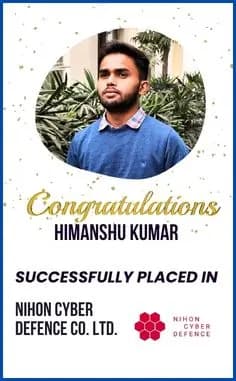
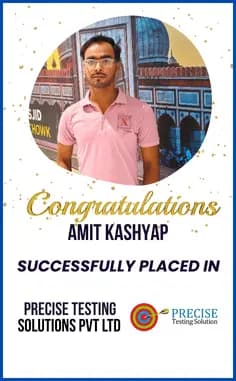
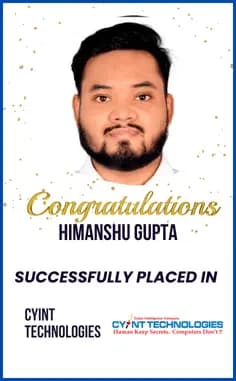
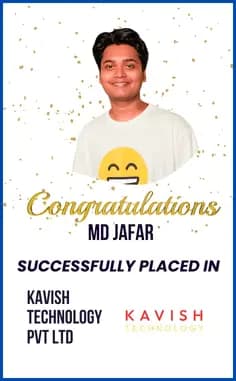
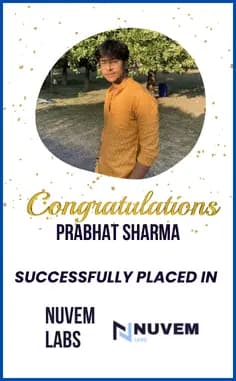
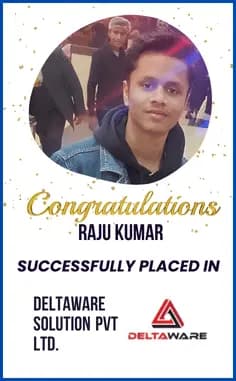
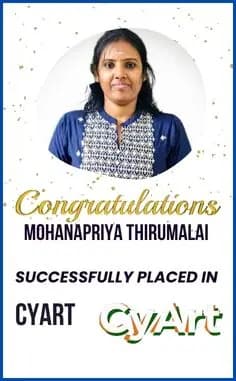
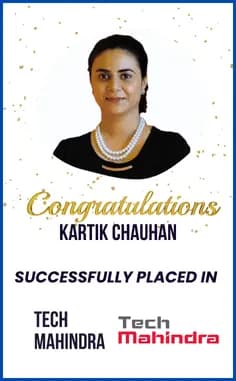
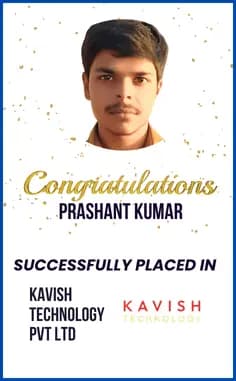
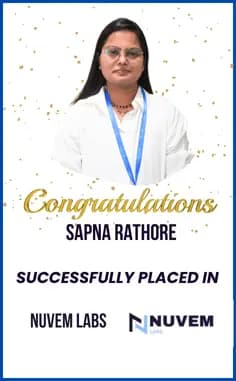
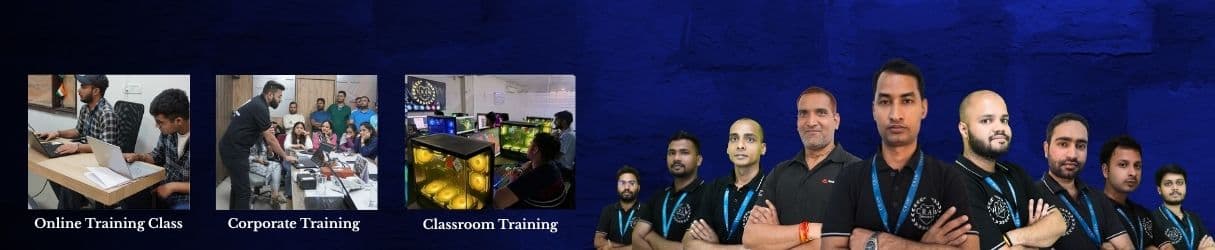
Our Recent Placement Stories
Join our successful alumni network






















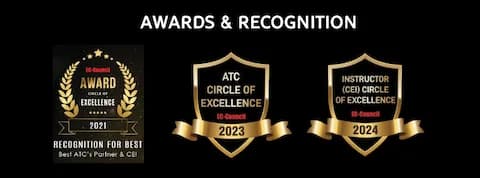
Recognition
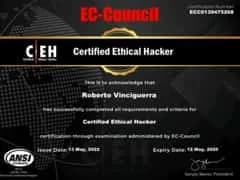
EC-Council Circle of Excellence




Recognized as Best ATC Partner & CEI for consecutive years
Defence Training
Specialized programs for defense personnel and government agencies

Indian Air Force

Indian Navy

Dept. of Military Affairs

Integrated Defence Staff

Is Linux Essential good for Career?
This question depends upon your area of interest if you wish to have a decent salary package in the future in some Multinational Company with the title of Certified System Administrator. In general terms, choosing Linux Essentials as a career is a good point to ponder upon. One can kick start one’s career with a decent Linux Essentials Course as many organizations prefer Linux OS in comparison to other available options in the market due to the following reasons:
This question depends upon your area of interest if you wish to have a decent salary package in the future in some Multinational Company with the title of Certified System Administrator. In general terms, choosing Linux Essentials as a career is a good point to ponder upon. One can kick start one’s career with a decent Linux Essentials Course as many organizations prefer Linux OS in comparison to other available options in the market due to the following reasons:
- It is an operating system that is also free of cost and available for usage on the Internet.
- It is software that is publically available, meaning that anyone can make changes to it, and it can be developed under one’s own name. The fact that Linux may be customized has resulted in the availability of thousands of different versions of the operating system on the internet. Some examples of these versions are Ubuntu, Kubuntu, Fedora Linux, Arch Linux, Manjaro, antiX, and many others.
- There is no virus that has been discovered that is capable of infecting Linux operating systems that have already successfully infected Windows or Mac operating systems. It is extremely improbable that it can be hacked because it is incredibly complex.
- The majority of the time, it is utilized by a large number of White Hat and Black Hat Hackers all around the world. In conclusion, to put it succinctly and concisely, selecting Linux as a professional job path in your life can definitely be a positive thing. Let’s just concentrate on where to begin! It is important to select a legitimate and authentic Craw Security Institution that will help you advance your career by providing you with access to the expertise of its instructors and faculty members.
Student Reviews

Saket Chaudhary
NewI recently completed my CEH Practical course and exam from Craw Security, and the experience was truly exceptional. The course was well-structured, covering all essential aspects with hands-on practical training. The mentors were incredibly supportive throughout the journey, especially my instructor, Mohit Kumar Sir, whose guidance and expertise played a crucial role in my learning process. His dedication and willingness to help made the course even more valuable. I highly recommend Craw Security to anyone looking to enhance their cybersecurity skills. A well-deserved 5 out of 5 stars 🤩

Philis Mutamba
Really enjoyed my CEH training with Craw Security. My trainer Robin Paul was patient, clear, and very knowledgeable. The course structure and hands-on sessions were really really helpful.

Kashish Jaiswal
I recently completed my CEH (Certified Ethical Hacker) training at Craw Security, and also took the CEH certification exam. My overall experience was highly positive. The training was well-structured and delivered by experienced instructors (Mohit Sir) who had in-depth knowledge of ethical hacking concepts. The course covered a wide range of topics, They were patient in clearing doubts and ensured that all students, regardless of their prior experience, could grasp the topics effectively. The institute provided excellent guidance on exam preparation, including practice tests, study materials, and exam-taking strategies. Their support team was also helpful in scheduling the exam and addressing any queries related to certification. I highly recommend Craw Security to anyone looking for any Security related training’s. Would definitely consider returning for more advanced cybersecurity courses in the future!

Keshav gupta
I recently took Linux classes at Craw Security Institute, and it was an excellent learning experience. The course was well-structured, and the practical knowledge I gained has been invaluable. A special thanks to Anand Sir for his dedication

Tushar Meena
Amit Sharma Sir is an exceptional AWS Associate teacher at Craw Saket. His deep knowledge, clear explanations, and practical teaching approach make complex topics easy to understand. He's always supportive and ready to clear doubts. Truly appreciate his dedication and teaching style — highly recommended for anyone looking to learn AWS the right way!

Vikash Yadav
The experience at Craw Security has been excellent! The learning environment is welcoming, and the staff is supportive and responsive. Even beginners feel well-guided throughout the program. It's a supportive place to build a strong foundation in cybersecurity.

Rohit Sharma
I recently completed CEH practical on craw security. Which was a great decision i made fr they're well organised with proper support and my mentor Robin paul who guided me throughout i personally thank him here..

Ankit Verma
Craw Cyber Security provides excellent training with a strong focus on practical, hands-on learning. I especially appreciated their Red Hat course, which was well-structured and aligned with real exam scenarios. The instructors are highly knowledgeable, and the staff is very supportive and friendly, always ready to assist. It's a great place to start or grow your career in cybersecurity and Linux administration.

Amit Kashyap
I had a great experience with CRAW Security! The cybersecurity training was practical and industry-relevant. The trainers were very supportive throughout. Special thanks to Mansi Ma'am from the placement cell for her constant support and guidance — because of her help, I got successfully placed. Highly recommend this institute!

Yashika singhaniya
Grateful to Craw Security for an excellent learning experience in cybersecurity. A big thank you to Sahil Sir and Bhumika Ma’am for their mentorship, support, and encouragement during my learning process.

Charan Kumar reddy Yandapalli
I am very happy to participated as a member of CRAW security. This company is very Good at atmosphere and very good for learning also. I'm strongly recommending Craw security to your cyber security future 👍
Our Students Have Been Hired By































What Our Students Say
2500+ Reviews
Ankit Verma
Student
Craw Cyber Security provides excellent training with a strong focus on practical, hands-on learning. I especially appreciated their Red Hat course, wh...

Saket Chaudhary
Student
I recently completed my CEH Practical course and exam from Craw Security, and the experience was truly exceptional. The course was well-structured, co...
Philis Mutamba
Student
Really enjoyed my CEH training with Craw Security. My trainer Robin Paul was patient, clear, and very knowledgeable. The course structure and hands-on...
Kashish Jaiswal
Student
I recently completed my CEH (Certified Ethical Hacker) training at Craw Security, and also took the CEH certification exam. My overall experience was ...
Keshav Gupta
Student
I recently took Linux classes at Craw Security Institute, and it was an excellent learning experience. The course was well-structured, and the practic...

Rishikesh Shahi
Student
Such a great training center . Very supportive faculties and great environment to learn for both working professionals as well as students. Provides d...

Harvinder
Student
I recently completed Craw Security's ethical hacking course and really appreciated their hands-on approach. The instructors are knowledgeable and the ...

Shivam Sharma
Student
I recently completed my CEH V13 certification at Cyber Craw Institute, and it was an outstanding experience. The instructors are experts who simplify ...

Rahul Kumar
Student
I recently completed my AWS cloud training under Amit Sir, and it was a great learning experience. His way of teaching is very clear, practical, and e...

Ritik Rajput
Student
My second webinar in this career got so much knowledge and they answered my question well all good experience thank you

Arjun Patel
Student
I recently passed my EC-Council CEH certification thanks to Craw Security's outstanding training! The instructors were knowledgeable, engaging, and al...
Tushar Meena
Student
Amit Sharma Sir is an exceptional AWS Associate teacher at Craw Saket. His deep knowledge, clear explanations, and practical teaching approach make co...
Vikash Yadav
Student
The experience at Craw Security has been excellent! The learning environment is welcoming, and the staff is supportive and responsive. Even beginners ...
Rohit Sharma
Student
I recently completed CEH practical on craw security. Which was a great decision i made fr they're well organised with proper support and my mentor Rob...
Ankit Verma
Student
Craw Cyber Security provides excellent training with a strong focus on practical, hands-on learning. I especially appreciated their Red Hat course, wh...
Saket Chaudhary
Student
I recently completed my CEH Practical course and exam from Craw Security, and the experience was truly exceptional. The course was well-structured, co...
← Swipe to navigate →