Live classes
Every batch. Every timing. One tab.
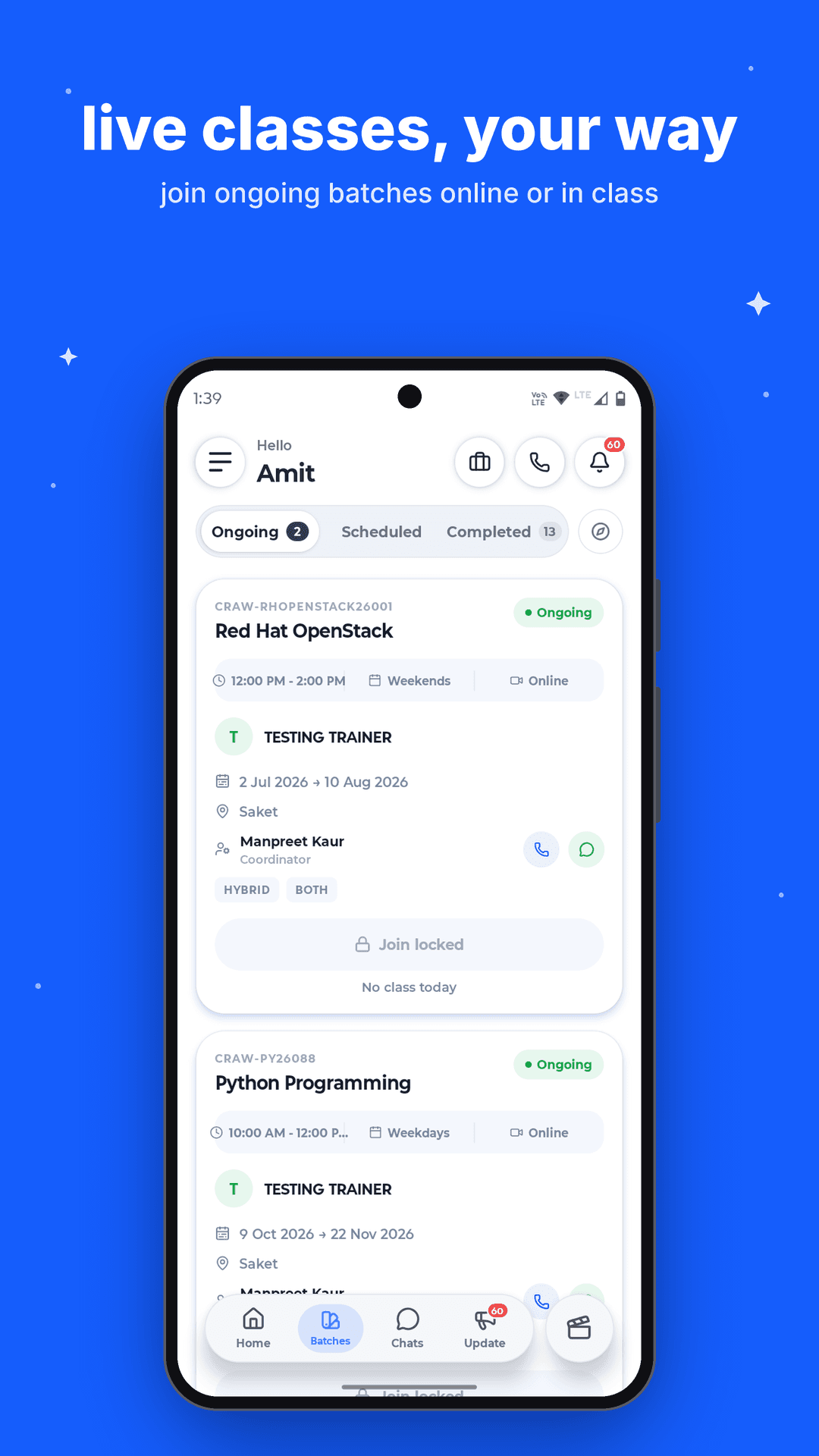
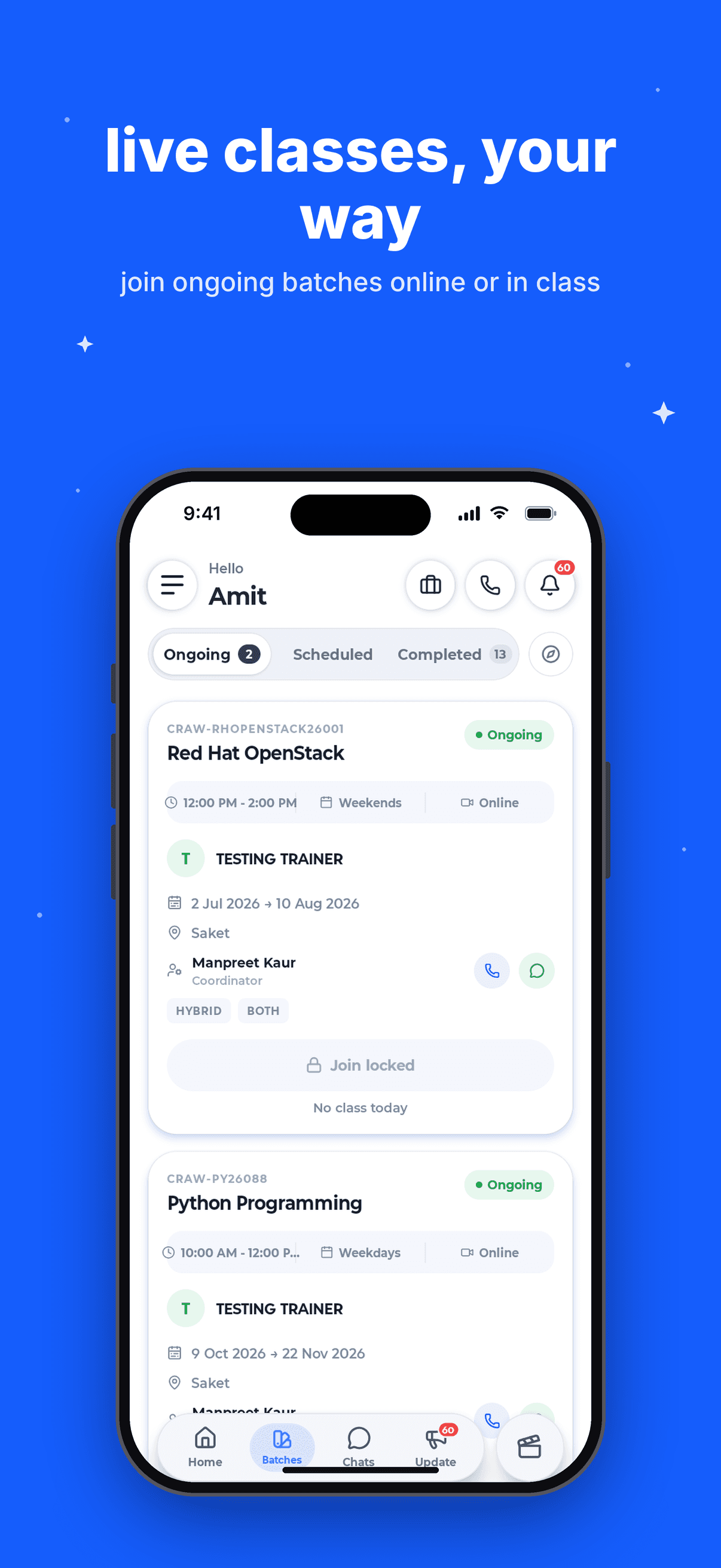
Ongoing, scheduled and completed batches with trainer, coordinator and class mode at a glance. Join today's session in a tap.
Craw Security App
Live batches, trainer chat, progress, exam vouchers and verified certificates. All in one app, built for Craw students.
Need help? Chat with us
Learn at your pace
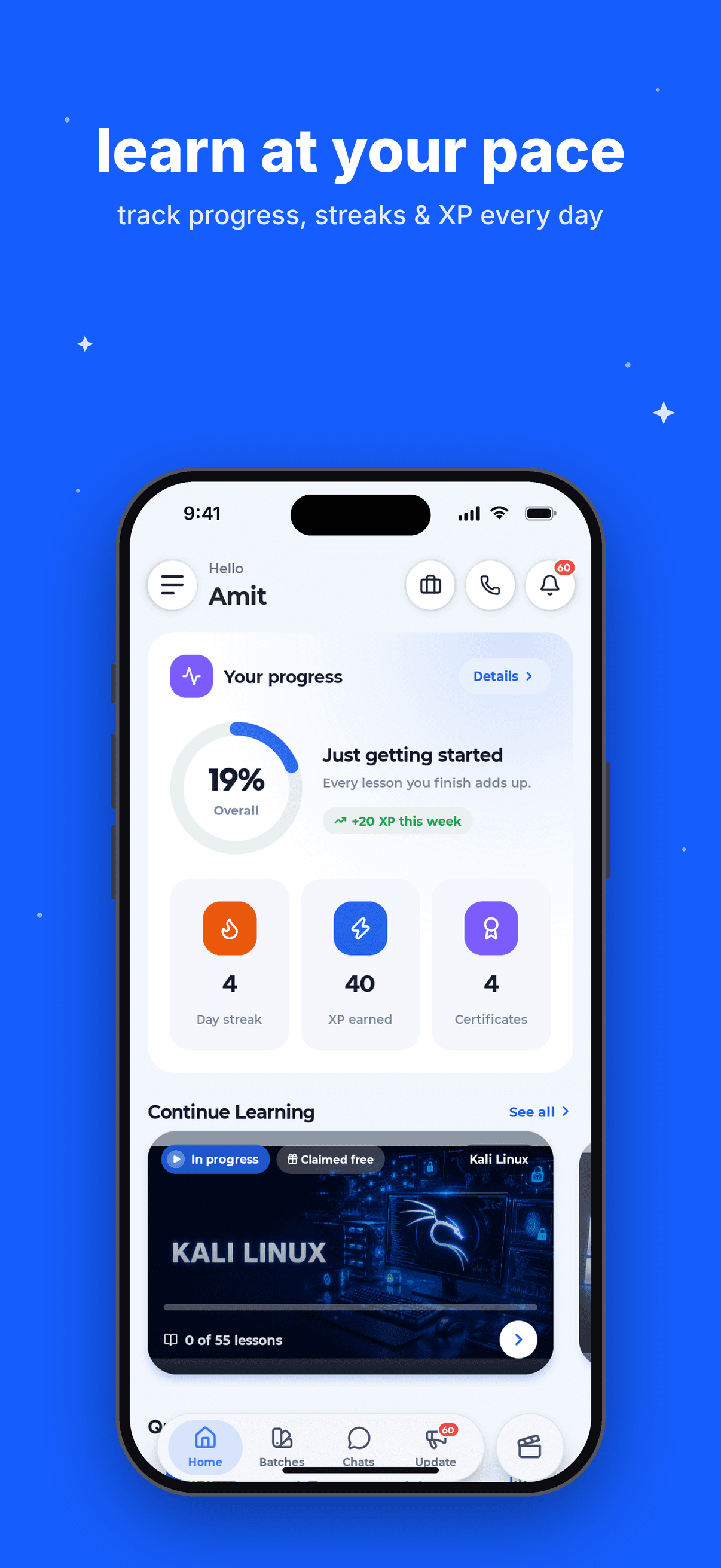
Your overall progress, day streak, XP and certificates greet you every time you open the app. Pick up the next lesson right where you stopped.
From the first class to the final certificate.
Live classes
Ongoing, scheduled and completed batches with trainer, coordinator and class mode at a glance. Join today's session in a tap.
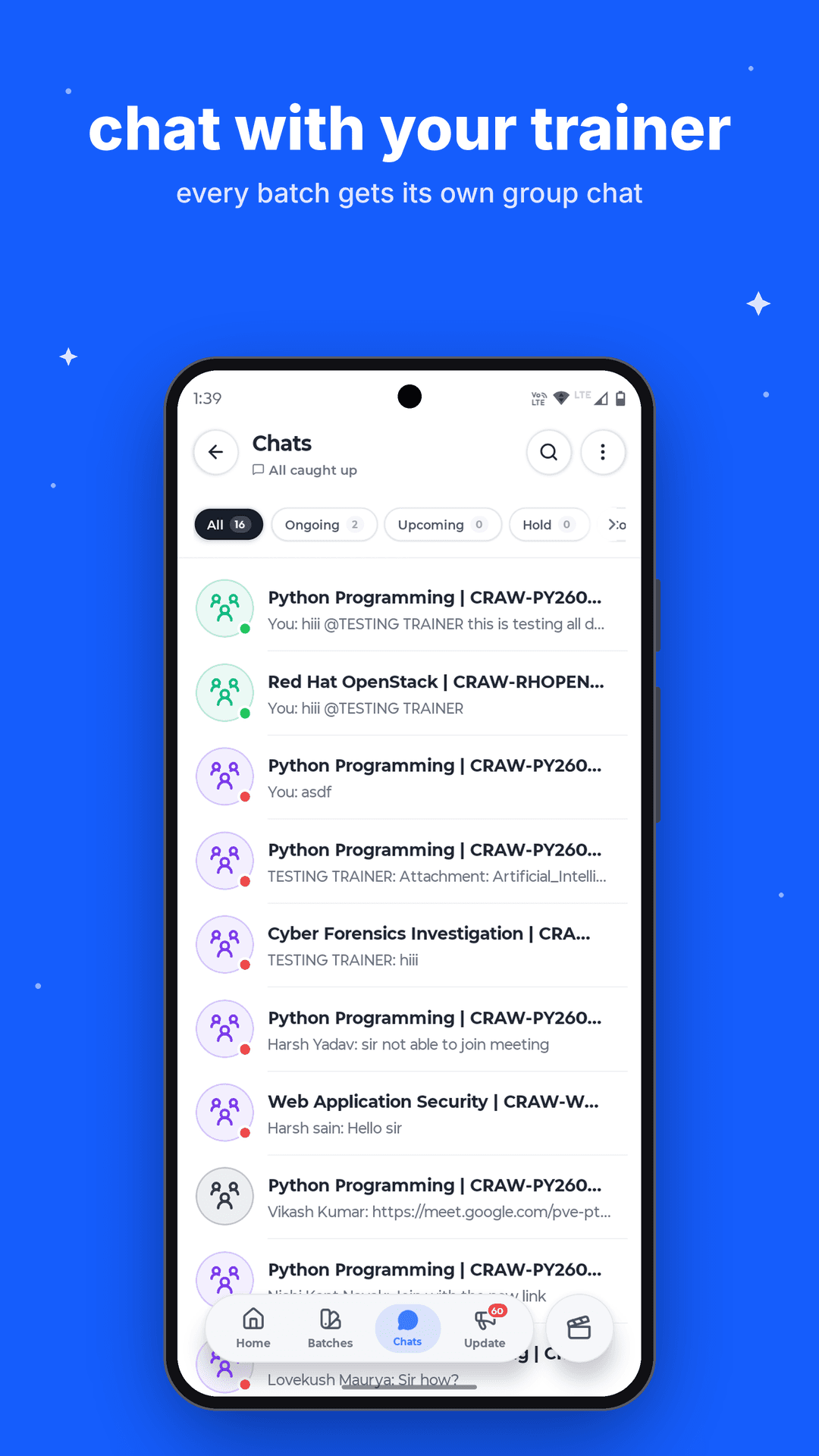
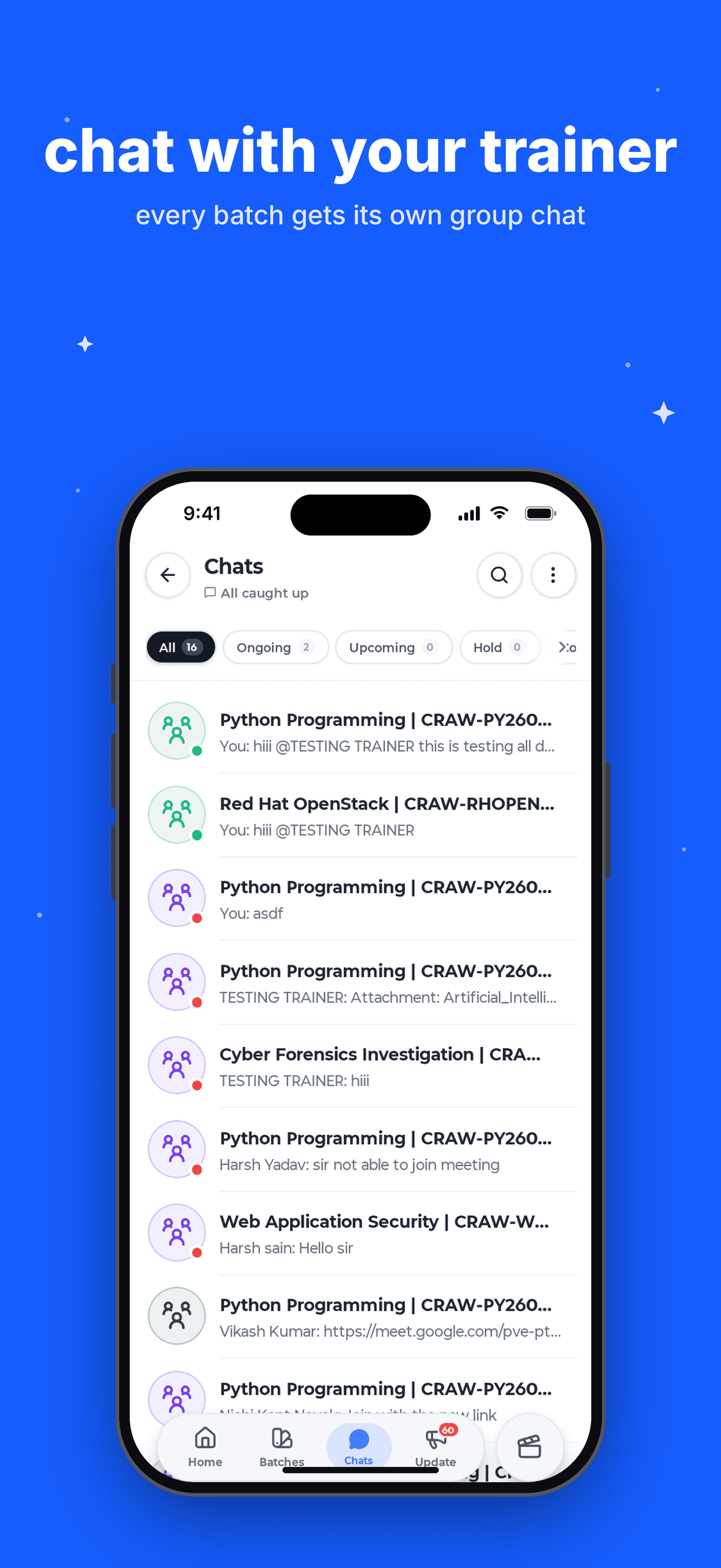
Trainer chat
Ask doubts, get class links and receive notes from your trainer, without leaving the app.
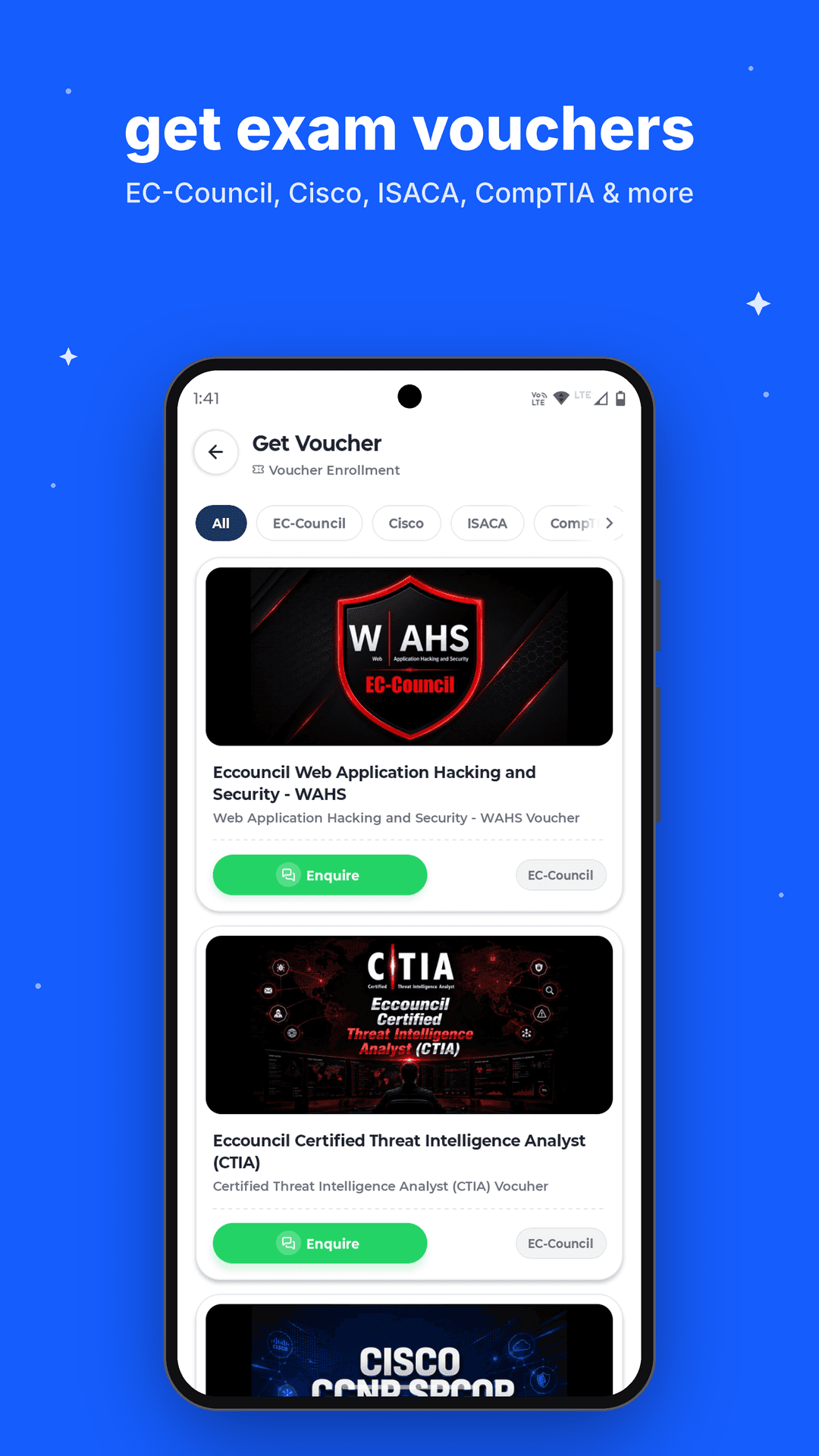
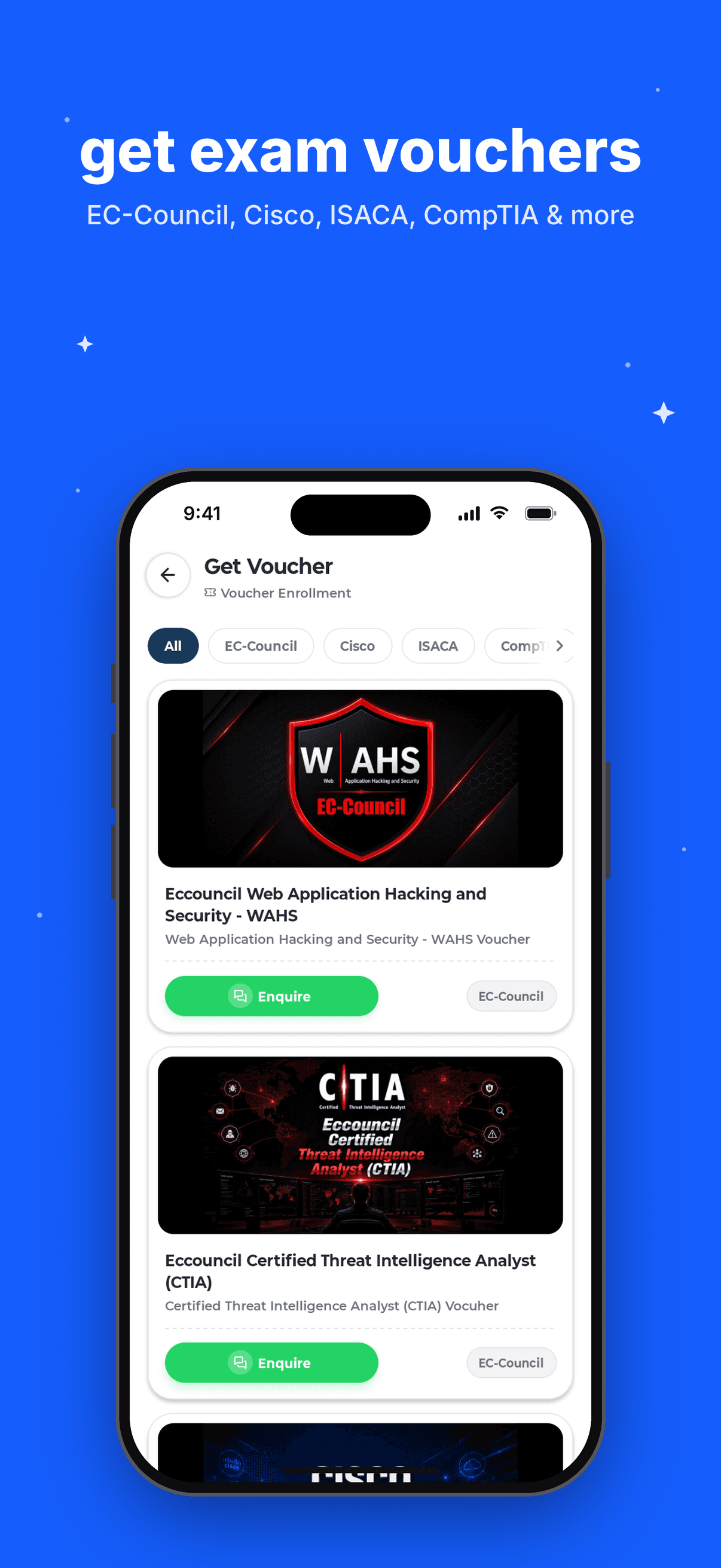
Exam vouchers
Vouchers for EC-Council, Cisco, ISACA, CompTIA and more, with one-tap enquiry.
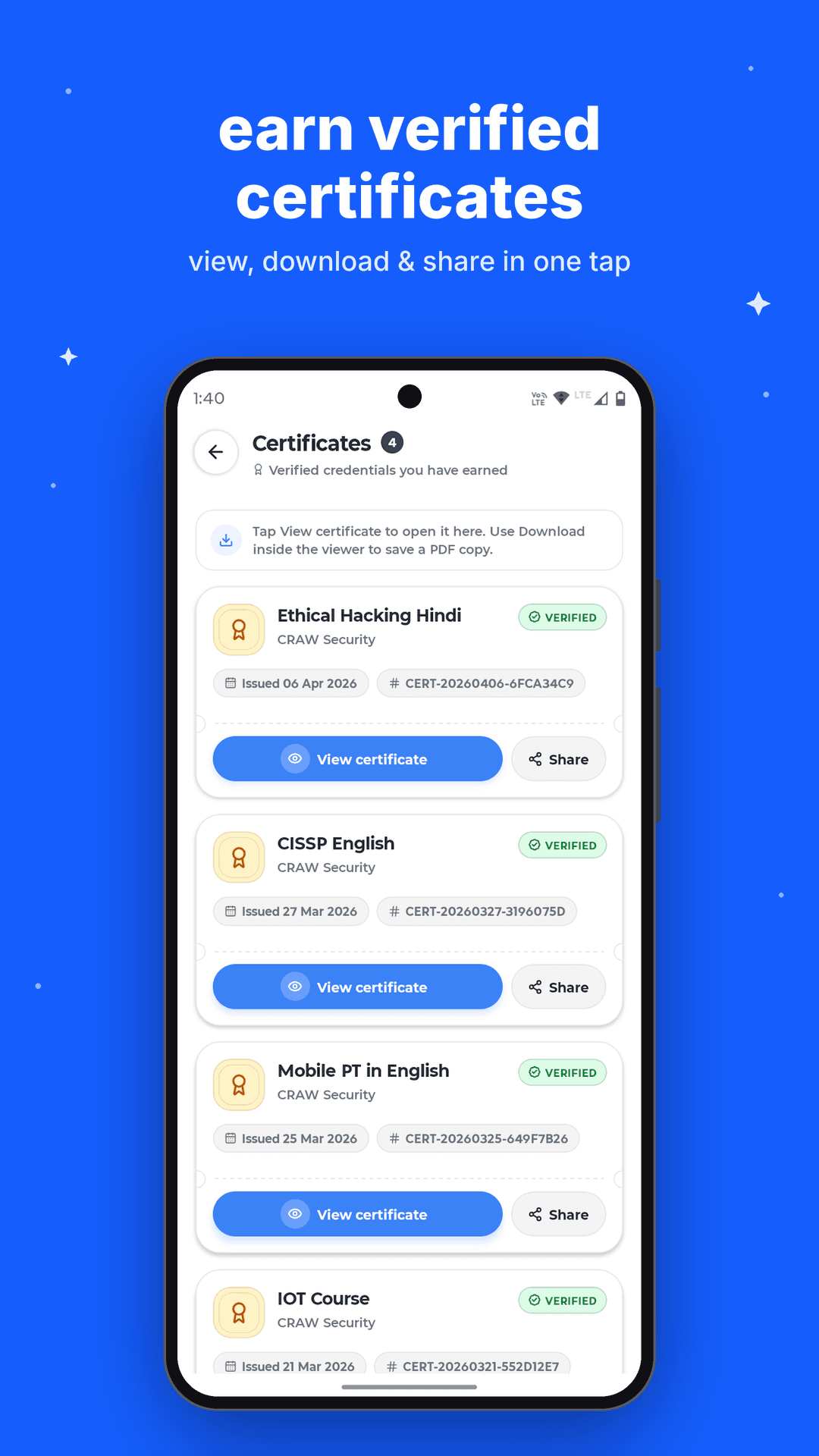
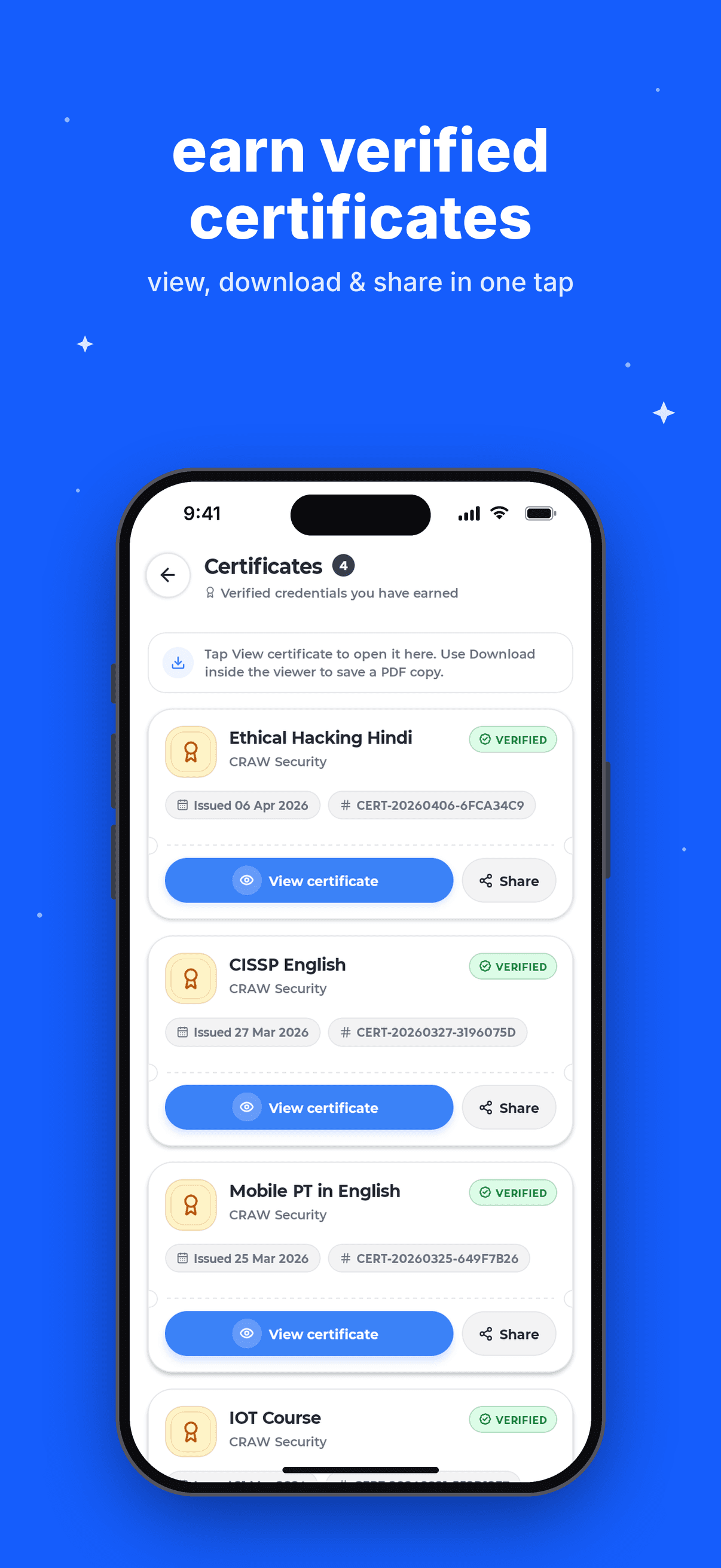
Certificates
Every certificate you earn, with its issue date and unique ID. Save a PDF or share it with recruiters in seconds.
Hybrid batches, one schedule.
Small daily wins that add up.
Answers from your own trainer.
Timings, dates and mode.
Global certification bodies.
Unique ID on every credential.
Never miss a class change.
Call or WhatsApp your coordinator.
Step 1
Get Craw Security from Google Play or the App Store. Free for every Craw student.
Step 2
Use your student account. Batches, courses and certificates load automatically.
Step 3
Join today's class, finish a lesson, and watch your streak grow.
Yes. The app is free to download and use for all Craw Security students. Course and exam voucher fees are separate.
Students enrolled in any Craw Security course, online or classroom, can sign in to access their batches, lessons, chats and certificates.
Yes. The Batches tab shows your ongoing and scheduled batches. When a class is live, you can join it directly from the batch card.
Open Certificates, tap View certificate, and use the Download option inside the viewer to save a PDF copy. You can also share it from the same screen.
The iPhone version has been submitted to Apple and is in App Store review. It will be available to download as soon as it is approved. Until then, reach out to us on WhatsApp for help accessing your account.
Free for every Craw Security student.
iPhone app currently in App Store review.